From Spreadsheet to Dashboard: A Story of Adoption (and Resistance)
Migrating from Excel to a dashboard sounds simple. Until the team silently boycotts it. The problem was never the spreadsheet — it was ignoring the people who used it.
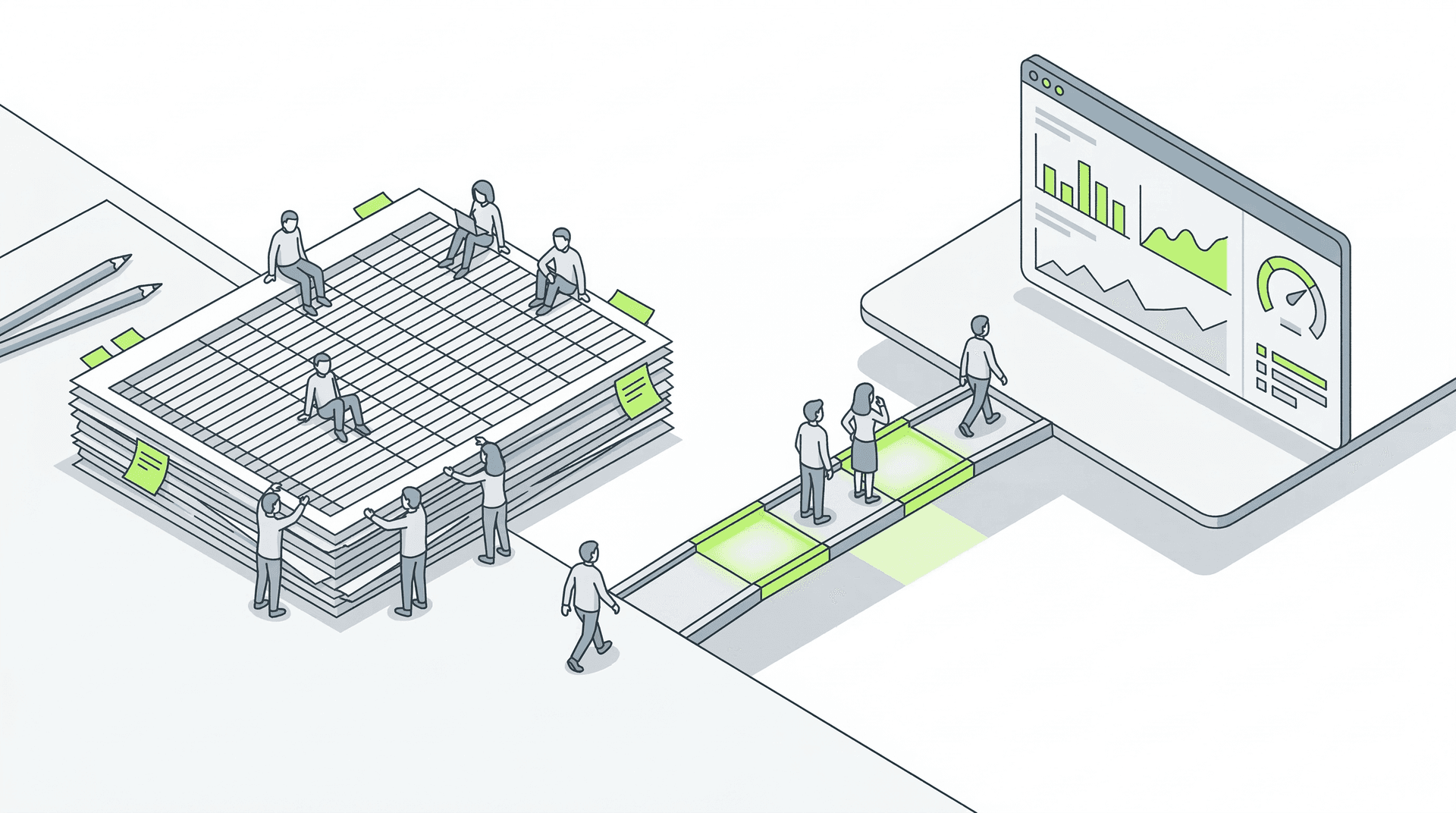
Every failed "digital transformation" project shares one trait. It's not technical, and it's not about budget. It's a people problem that nobody wanted to address until it was too late.
The pattern repeats with almost comic precision. Management decides it's time to "modernize." A vendor gets hired. A dashboard gets built with shiny charts and real-time KPIs. The team gets a 45-minute walkthrough. And three months later, everyone is still using the same old spreadsheet.
The dashboard exists. It works. It's technically superior in every way. But nobody uses it. And the investment becomes a silent reminder that technology without adoption is expensive scrap.
Why Excel always wins (at first)
There's a reason spreadsheets dominate operations at most SMBs. It's not technological ignorance. Excel has something almost no enterprise software replicates well: the user is in charge.
Anyone can add a column, change a color, insert a formula, or break the formatting without asking permission. No support tickets. No waiting for the next sprint. That flexibility creates a sense of ownership that's hard to overstate. The person who built that spreadsheet feels it's theirs. They know every tab, every nested formula, every trick that keeps it running. Asking them to abandon it means asking them to give up their tool and, incidentally, their status as "the person who knows how this works."
Then there's the raw trust factor. That spreadsheet has been working for years. It has bugs, yes. It has limitations, too. But it has survived audits, month-end closes, and last-minute crises. It's an imperfect animal, but battle-tested.
Ignoring these forces is the first mistake in every migration project that ends up dead.
Anatomy of a typical failure
The case is composite, but the ingredients are real. A distribution company with 40 employees. Five people on the operations team managing orders, delivery routes, and incidents with an ecosystem of six interconnected Excel files that only two people fully understand.
Management hires a consultancy to "digitize operations." A Power BI dashboard is built and connected to the ERP. A centralized database is configured. Reports are automated. On paper, the project is flawless.
On launch day, the team receives two hours of training. They're told that "starting Monday, everything runs through the new system." Access to the shared folders where the Excel files lived is revoked.
Week 1: Three out of five people keep using local copies of the spreadsheets on their desktops.
Week 3: The dashboard shows incomplete data because nobody is correctly filling in the mandatory fields of the new system. Management reports come out with gaps.
Month 2: The operations lead asks for "the route spreadsheet" back because the dashboard "doesn't let me do things the way I used to." Management gives in "temporarily."
Month 4: The dashboard is used exclusively for management meetings. The real work still happens in Excel. Nobody says it out loud, but everyone knows it.
Total cost: Licenses, development, consultancy, training, lost time. Over 60,000 euros. ROI: negative.
The three mistakes that killed the project
1. It was designed for management, not for the user who'd live in it
The dashboard displayed beautifully aggregated KPIs, perfect for a board meeting. But the operations team didn't need KPIs. They needed to see pending orders, assigned routes, and open incidents with the same granularity their spreadsheet offered.
The tool was built for the person who approved it, not for the person who would use it eight hours a day.
2. The old system was killed before the new one earned trust
Pulling the Excel files on day one was an act of imposition, not migration. The team was given no time to compare, test, and discover the advantages for themselves. They were forced into the change and responded with the only tool they had left: passive resistance.
3. Training got confused with adoption
Two hours of training teach where the buttons are. They don't address the fear of losing control, the frustration when something doesn't work as expected, or the feeling that someone from outside decided how you should work without asking you first.
Adoption is not an event. It's a process that lasts months and requires ongoing support.
How to do it right: adoption engineering
A migration that works inverts the order. It doesn't start with technology. It starts by understanding the current workflow and respecting the logic the team has built over time, even when it's imperfect.
First, map the spreadsheet. Before designing anything, sit with each user and understand what they actually do with the file. Which columns they look at first. Which filters they apply. Which shortcuts they've invented. Which data they enter manually and which they copy from somewhere else. The spreadsheet is a map of the real process, not the documented one.
Then, build the minimum that's clearly better. The new system doesn't have to do everything the spreadsheet does. It has to do one specific thing in a clearly superior way. Auto-updating a field that's currently typed in manually. A consolidated view that currently requires opening three tabs. Something tangible that the user experiences as a real improvement in their day.
What follows is coexistence. For weeks or months, the spreadsheet and the new system live side by side. The team uses both. As the new system proves itself more reliable, faster, or less tedious, the spreadsheet loses relevance naturally. Nobody removes it. It simply stops being necessary.
And finally, iterate with the team in the room. Adjustments aren't decided in a meeting room. They're decided with the user in front of the screen, solving specific friction points. "This field should auto-complete." "I need to export this to PDF for the carrier." "Why do I have to click three times for something that used to be a Ctrl+C?" Each of those complaints is an engineering requirement disguised as resistance.
The real cost of ignoring adoption
Companies measure the cost of technology projects in licenses, development hours, and hardware. They almost never measure the cost of non-adoption.
A system that gets built but doesn't get used costs exactly the same as one that works. But it returns zero. Every month the team maintains the manual process in parallel is a month of duplicated effort, inconsistent data between systems, and accumulated frustration that crystallizes into one devastating phrase: "We tried that already and it didn't work."
That phrase kills the next project before it starts.
How SAUCO handles these cases
At SAUCO, operational migration projects always begin at the same point: the trenches.
Our FDE (Forward Deployed Engineers) sit with the team that executes the processes. Not with the executive who describes them in a slide deck. They open the spreadsheets together. They understand the formulas, the macros, the color codes that mean things nobody has documented. They map the real process — with its patches and workarounds — because that's where the operational truth lives.
Then we build the minimum that delivers immediate value. Not a full dashboard with 15 views, but the piece that eliminates the friction that hurts the most. And we put it in the team's hands from week one, not after three months of silent development.
Adoption is not a post-delivery step. It's part of the engineering process. If the team doesn't use it, we're not done. If the team goes back to the spreadsheet, we got something wrong and need to fix it — not force the change.
That's the difference between installing software and transforming operations.
Is your team still promising to ditch the spreadsheet? Let's talk about how to make it stick.